focusforge
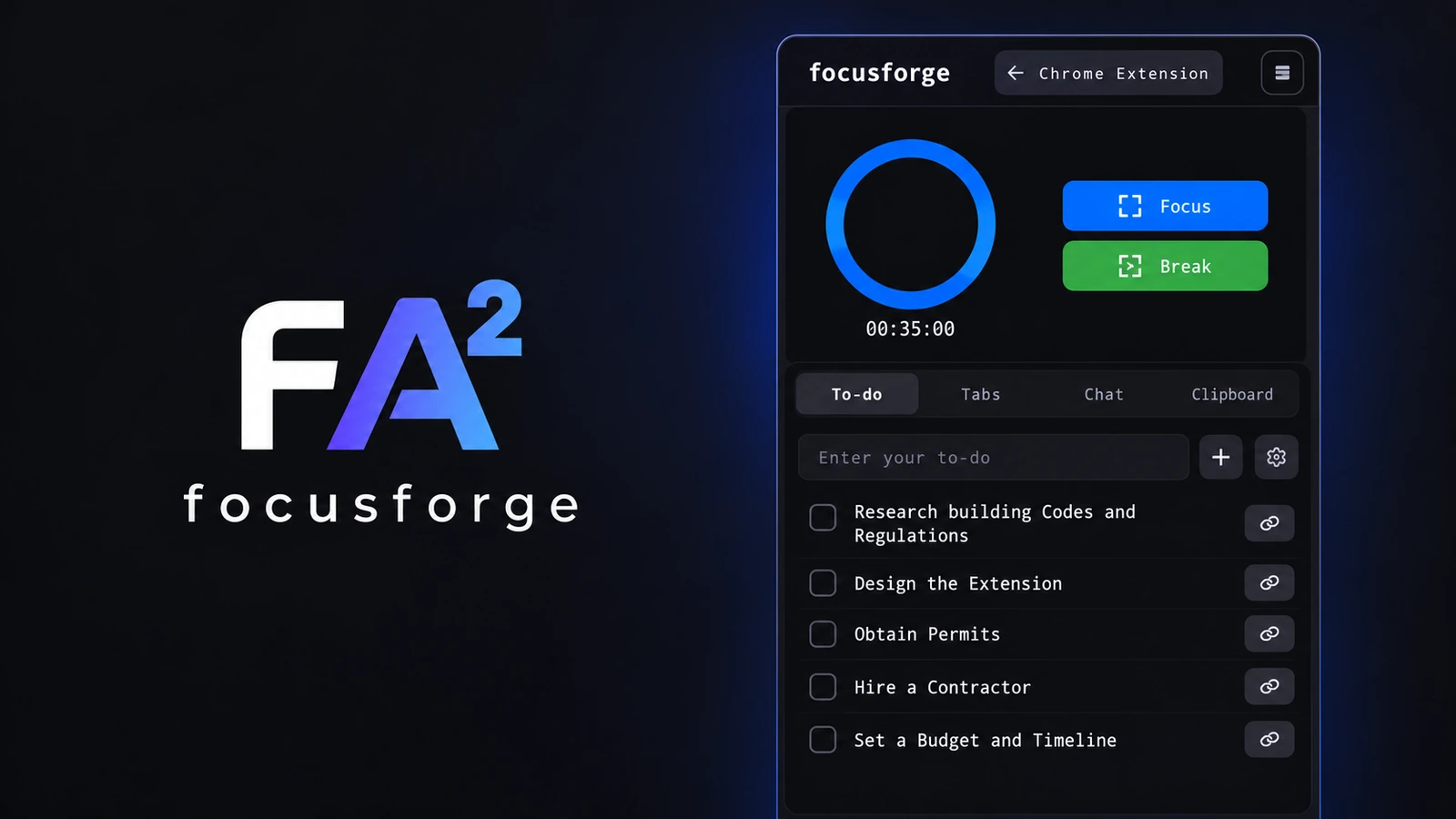
A productivity extension that brings timed focus sessions, to-dos, browser context, AI assistance, and clipboard capture into one workspace.
A workday beside the browser
focusforge grew from wanting a better way to protect productive sessions while doing everyday work. The browser is where many tasks begin, but the tools for staying focused often live somewhere else. I wanted the timer, the next task, and a little workspace for thinking to stay close to the page in front of me.
The side panel
The extension keeps its main tools in a Chrome side panel:
- A timed Focus and Break cycle inspired by the Pomodoro technique
- A to-do list for the small actions that make up a session
- A Tabs view for keeping browsing context nearby
- A Chat view for asking for help while working
- A Clipboard view for saving useful text and image snippets
The point was not to replace the browser. It was to make the browser a little easier to work inside.
Context is part of the tool
The panel stays visible while a website or search result is open. That makes the workflow feel continuous: a task can be added, a focus session can start, a page can be referenced in chat, and something useful can be saved without leaving the current workspace.
The assistant interaction shown in the project helps turn an open-ended task into a more concrete estimate. Instead of treating productivity as only a countdown, Focus Forge tries to support the decisions around the countdown too.
My first Chrome extension and AI project
focusforge was created for the Google Chrome Built-in AI Challenge. It was my first time building a Chrome extension and one of my first projects where AI was part of the everyday interaction rather than a feature sitting behind a separate screen.
The challenge also pushed me to think about where browser-native AI could be useful: summarising what is open, helping plan a task, or making a small work session easier to begin. The result was a compact productivity workspace shaped around the way I wanted to work.
The lesson
focusforge taught me that a productivity tool does not need to add more destinations. Sometimes the better direction is to bring a few helpful actions into the place where the work is already happening.